There was a refurbished Mac Pro going for SGD$2998 at the Singapore Apple Store online.
My refurbished Mac Pro was bought in May 2007 costing me $3628. It's still going strong. In fact, it hasn't even slowed down a bit.
Let me tell you why getting a refurbished Mac Pro is a good idea, even if it's going to cost more than the PC of similar specification.
The Mac Pro is a very powerful machine. I've no doubt it can last for at least 5 years before software can utilize all of its power, making it feel slow.
Take my Mac Pro for example. Let's say that my Mac Pro can be sold for $1628 at the end of 5 years. The cost of ownership per year will be $400, or more if I sell it for much less.
For $400 per year, that's a bargain!
It's one of the most powerful computer running on OSX.
The only problem is you have to lock in your money for this period to exchange for the power.
Showing posts with label mac. Show all posts
Showing posts with label mac. Show all posts
Your Mac Was Lost or Stolen. Now What?

This probably isn't what you want to hear, but there's really nothing you can do.
Reporting your serial number to Apple doesn't help
You can call Apple to confirm that yourself. It's probably because they can't filter out true claims from fake claims. Imagine the hassle the original buyer has to go through because some saboteur reported that buyer's serial number is from a stolen Mac.
I see a lot of people posting screenshots of their Mac specifications online without masking out the serial number.
Registering your Mac with Apple doesn't help
Everyone can reinstall the Mac OS and register their name with Apple. Everyone. So what's preventing someone from registering the stolen Mac? Nothing.
Apple will however continue to honour the warranty coverage even if the Mac is stolen, provided it is still within the coverage period. That's basically saying that the secondhand value of stolen Mac is no different from that of a non-stolen Mac.
Once your Mac reach the secondhand market, it's a goner
There are tracking software that can be installed to take photos of the thief when they are using the stolen Mac. The question is, how do you know it is the thief that's using your Mac and not a genuine secondhand Mac buyer?
I've people arguing with me that they will snatch back their Mac from the genuine secondhand Mac buyer. My question to them is, whose mistake was it that allow the transaction to happen in the first place? Answer is, of course, the original Mac owner. I had to write this one out explicitly because it might be hard for grief stricken owners to comprehend.
One cannot expect the secondhand buyer to call back to Apple to check if the Mac was stolen. If you've read earlier, you'll know that Apple doesn't care about whether your Mac is stolen or not.
I've bought a lot of secondhand Mac before. Never have I made any effort to check with Apple to see if the Mac was a stolen property. It just doesn't matter even if it was stolen. There's no difference for me, personally.
Even if I know the Mac was stolen, I've no way to prove that the seller didn't get his/her Mac from the secondhand market.
Move on
Yeah, it's sad when your Mac is gone. Face the truth. If it's lost, maybe some considerate person might return to you, provided you have your address or contact information on your Mac. If it's stolen, it's pretty much gone for good.
I've never read of any person who successfully recovered their Mac other than those who write on those Mac-tracking-applications websites.
10 Cool Mac Application Websites
Alright, you probably won't need as much applications as this dude from Flickr, but it's always useful to find out where to look for stuff.

In the list below, you'll find websites containing more Mac applications you can ever think of. This list is also to help myself remember where to find stuff to download.
1. Mac Specialist has a list that separates applications that are free and those that require purchasing.
2. Top 100 Mac Apps is a compiled list of Mac applications by a blogger. Great to see what you've missed.
3. Open Source Mac offers opensource Mac applications, of course. Tremendously useful for small businesses running on Macs. Think free and legal.
4. Cool OSX Apps is basically an applications review website that constantly updates with new stuff.
5. Versiontracker is the download.com version for Mac downloads.
6. Mac Tricks And Tips is another list of top 100 applications.
7. Apple also has their own database of interesting and cool stuff. Note that demo and shareware are mixed.
8. 10 Apps Every New Mac User Should Download. Out of the 10, I've 9 on the list. It's close to essential.
9. download.com - You should already know this.
10. del.icio.us - Better than Google in the way that find popular Mac application websites through related tags.
Bonus
MacUpdate - Very similar to Versiontracker. Just in case you can't find what you want there.
FreeMacWare has a very comprehensive list of free stuff as well.
In the list below, you'll find websites containing more Mac applications you can ever think of. This list is also to help myself remember where to find stuff to download.
1. Mac Specialist has a list that separates applications that are free and those that require purchasing.
2. Top 100 Mac Apps is a compiled list of Mac applications by a blogger. Great to see what you've missed.
3. Open Source Mac offers opensource Mac applications, of course. Tremendously useful for small businesses running on Macs. Think free and legal.
4. Cool OSX Apps is basically an applications review website that constantly updates with new stuff.
5. Versiontracker is the download.com version for Mac downloads.
6. Mac Tricks And Tips is another list of top 100 applications.
7. Apple also has their own database of interesting and cool stuff. Note that demo and shareware are mixed.
8. 10 Apps Every New Mac User Should Download. Out of the 10, I've 9 on the list. It's close to essential.
9. download.com - You should already know this.
10. del.icio.us - Better than Google in the way that find popular Mac application websites through related tags.
Bonus
MacUpdate - Very similar to Versiontracker. Just in case you can't find what you want there.
FreeMacWare has a very comprehensive list of free stuff as well.
Menu highlight gone, again
My menu highlight is gone, again.
Really have to partition my harddisk already.
OSX starting to behave like Windows OS.
End is near.
Flickr video isn't so bad. It's clear!
Really have to partition my harddisk already.
OSX starting to behave like Windows OS.
End is near.
Flickr video isn't so bad. It's clear!


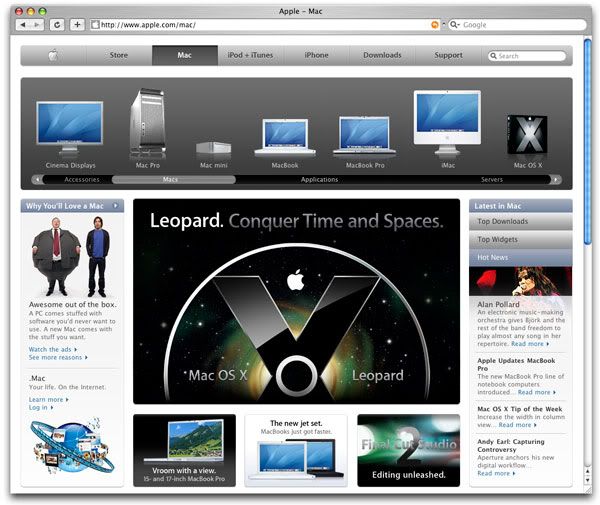
Inside the big Mac
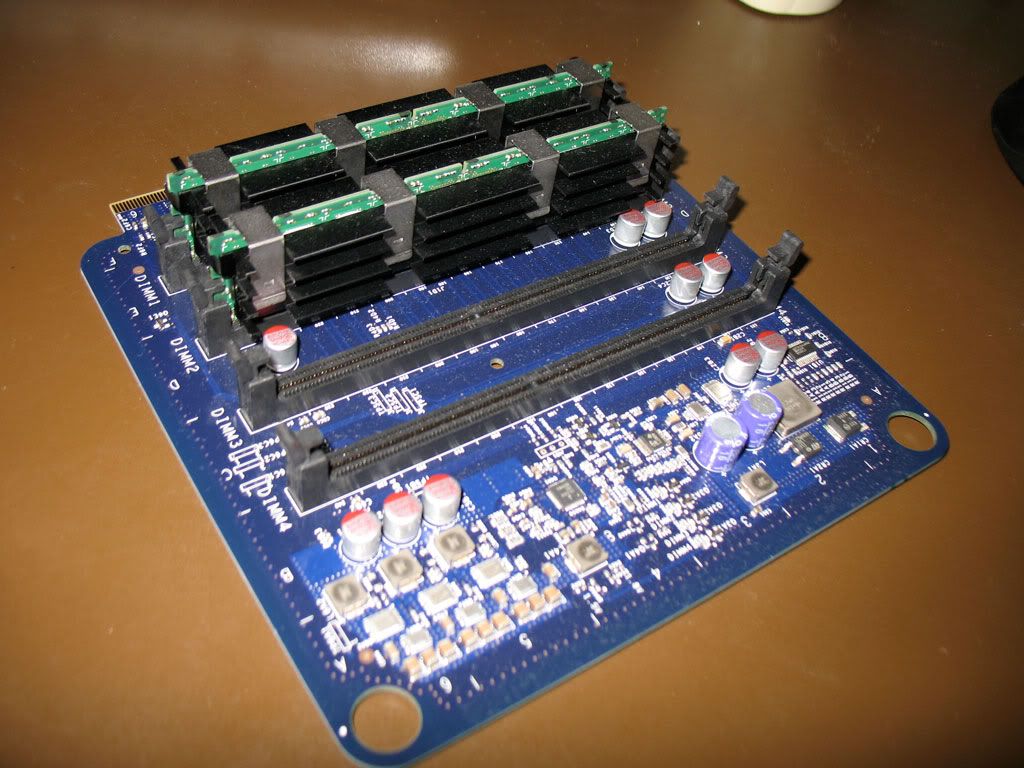


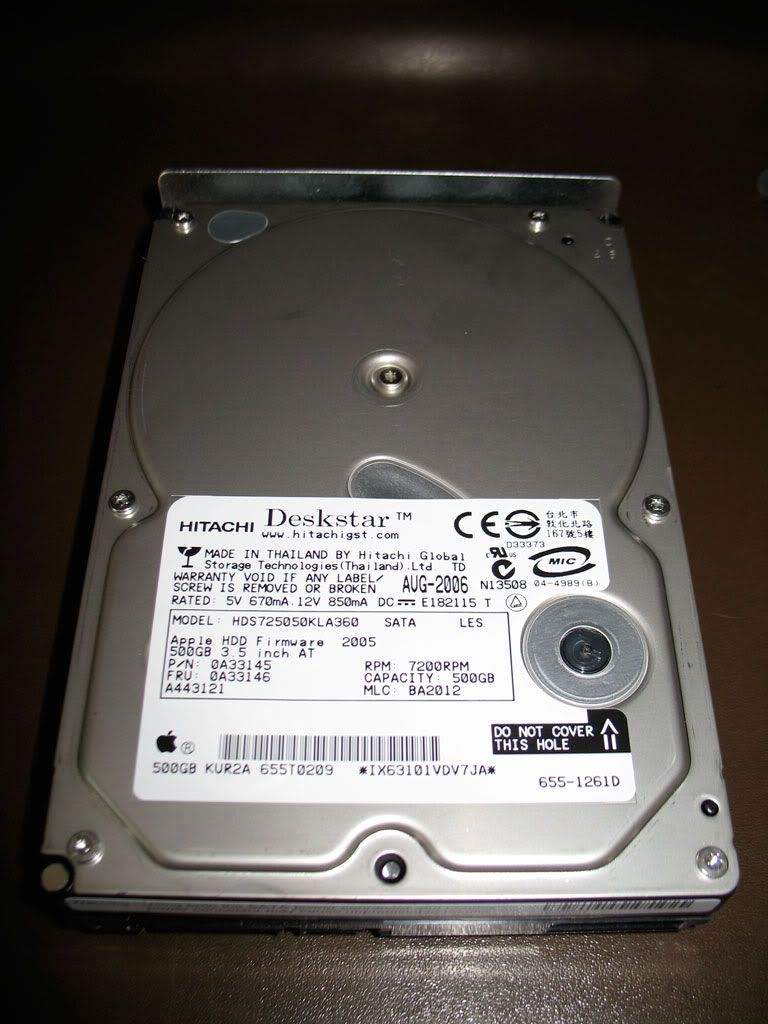
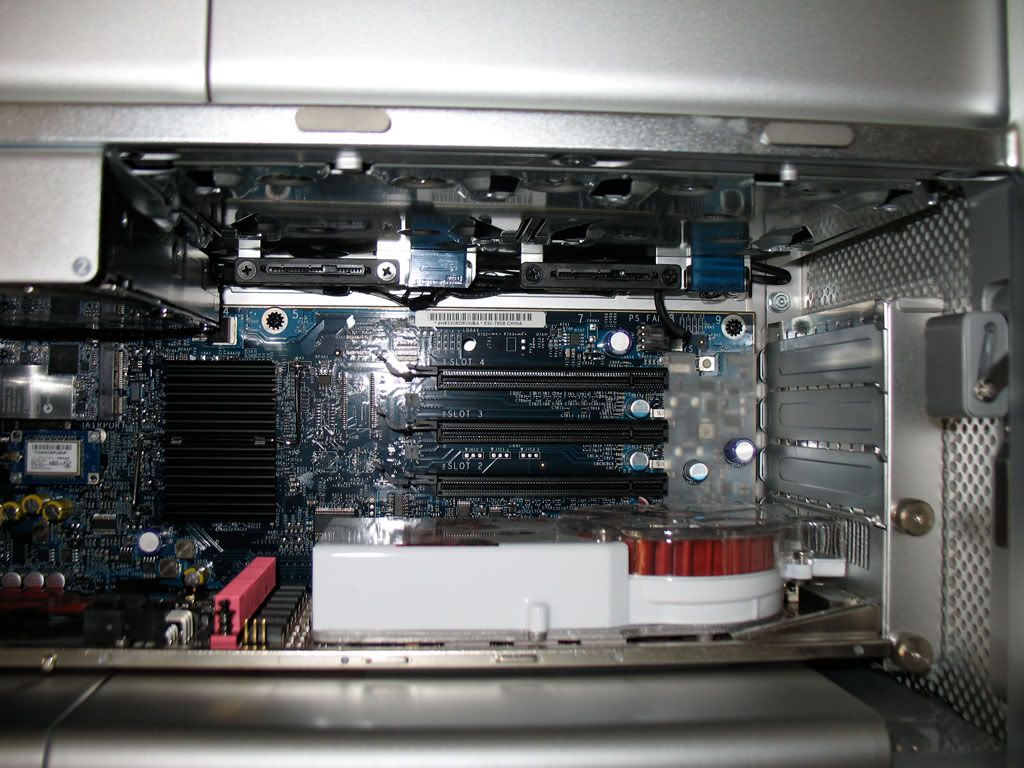
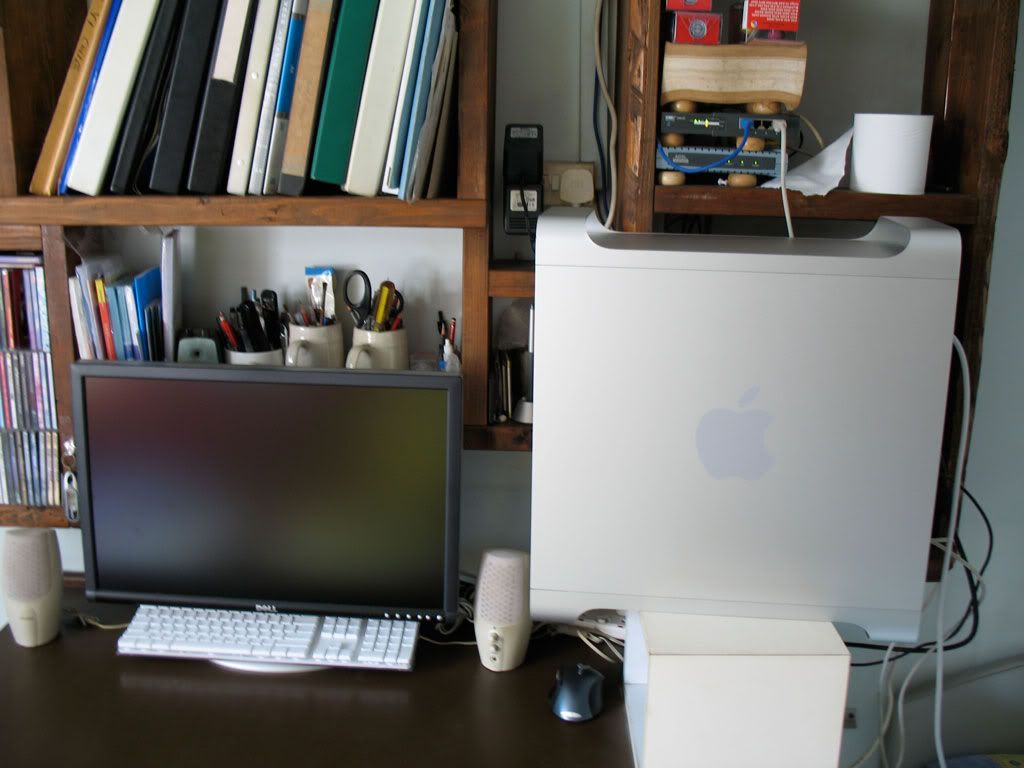
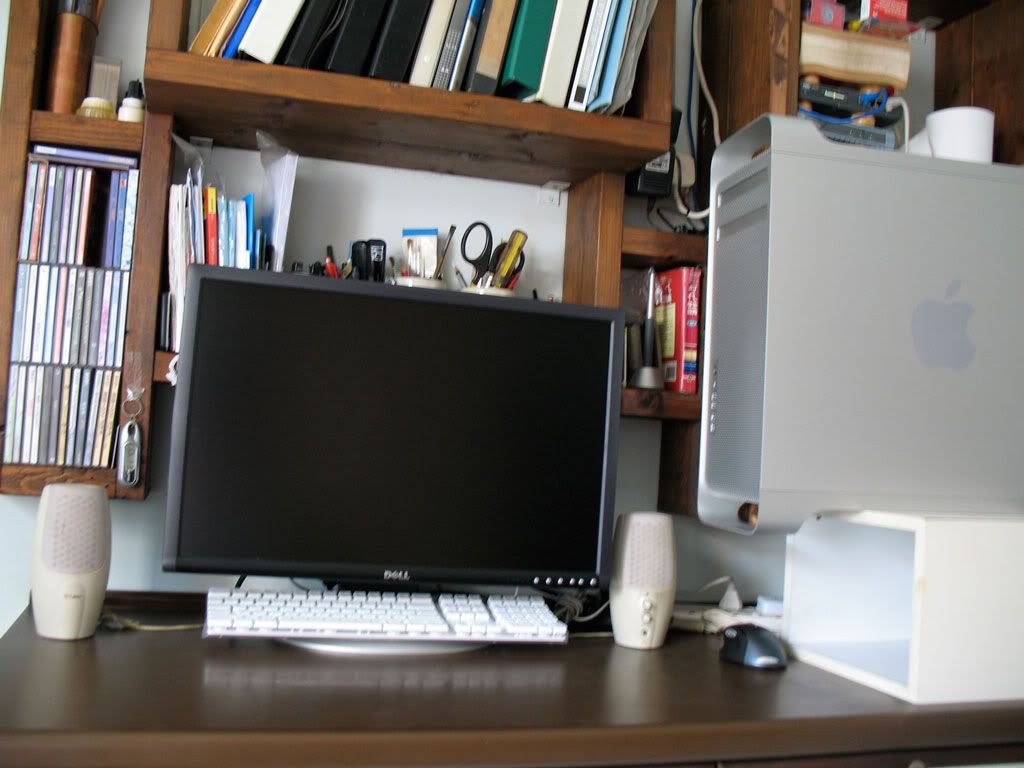
A refurbished tale
I've finally decided to upgrade my old Pentium 4 in mind and body. The Mac Pro was ordered in the morning and arrived at the evening on the same day.
It was the refurbished set that was on Apple Store online. I've always been a big fan of refurbished products. Maybe fan wasn't the correct description since my only other refurbished product is the iPod.
I spent a long time on the check out page. Well, the mean machine cost S$3628. Some painful doubt is in order.
When I first opened the box, I noticed the wireless keyboard. That only meant that the previous guy had also bought a wireless mouse and fitted the Mac Pro with a wireless card. Not bad, some free stuff.
When I got to the registration page during the system set up, the Mac Pro was searching for wireless Internet connection. Free Airport Extreme Card!
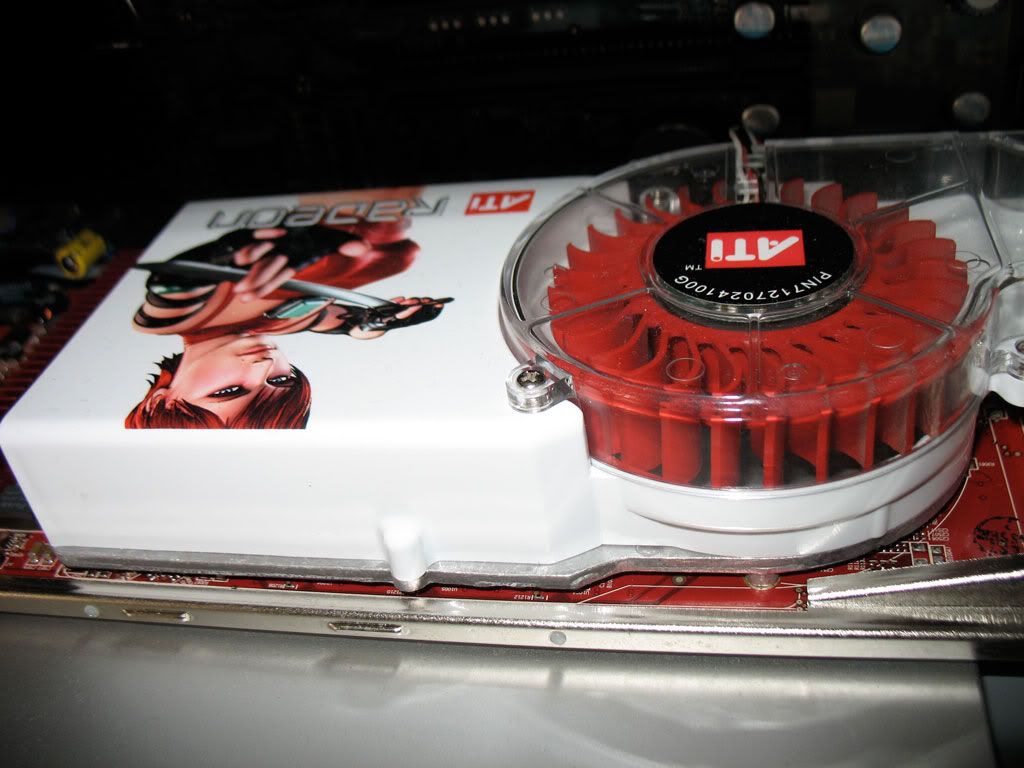
Upon getting into OS X, I fired up the System Profiler and what I saw blew my mind. The previous owner had upgraded the processor to quad 3ghz Xeon instead of the 2.66ghz listed on the refurbished description. That's almost over $1300 worth of free upgrade! Not only that, he has also increased the RAM from the default 1gb to 4gb! And he has also upgraded the graphics card to X1900XT!

After totaling up everything, my $3628 actually bought a $9138 worth of Mac Pro.
Don't be jealous. Because even I'm jealous of myself.
Enough talking. Here are some photos.

This is the box. Actually, I was expected a brown generic box because it said it was a refurbished item. If you look closely, you'll see that there's a lot of scotch tape over the opening. Also, something not inside the photo, the shipping address sticker at the bottom was pasted over the previous shipping address. I could only make out that the Mac Pro was previously sent to International Plaza.

I was greeted with the Mighty Mouse. As I already have a MX1000, this mouse has to go.

This is the Mac Pro opened up. I must say that this is a brilliant piece of engineering.

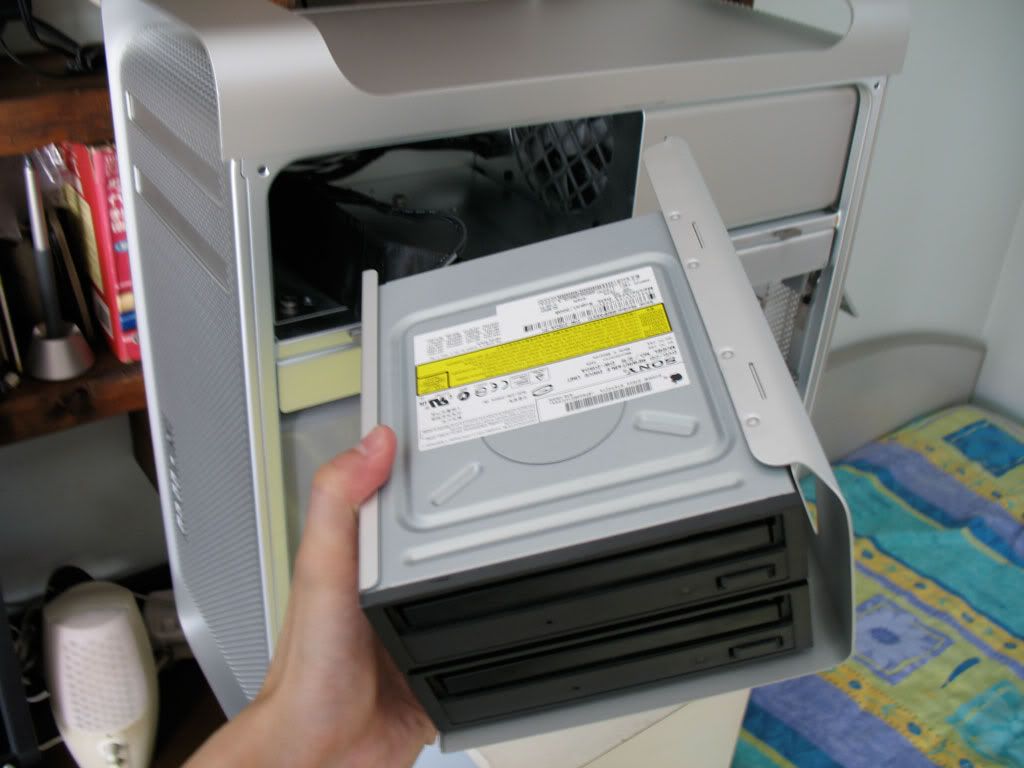
The previous buyer has also ordered an extra DVD burner. The good thing is, the top burner now is set to region 1 and bottom to region 3. I'm happy to know that all my DVDs can be played with no problems.

This is the Mac Pro playing the 9 min Ratatouille sneak trailer. It's HD 1080 and it played effortlessly.
It was the refurbished set that was on Apple Store online. I've always been a big fan of refurbished products. Maybe fan wasn't the correct description since my only other refurbished product is the iPod.
I spent a long time on the check out page. Well, the mean machine cost S$3628. Some painful doubt is in order.
When I first opened the box, I noticed the wireless keyboard. That only meant that the previous guy had also bought a wireless mouse and fitted the Mac Pro with a wireless card. Not bad, some free stuff.
When I got to the registration page during the system set up, the Mac Pro was searching for wireless Internet connection. Free Airport Extreme Card!
Upon getting into OS X, I fired up the System Profiler and what I saw blew my mind. The previous owner had upgraded the processor to quad 3ghz Xeon instead of the 2.66ghz listed on the refurbished description. That's almost over $1300 worth of free upgrade! Not only that, he has also increased the RAM from the default 1gb to 4gb! And he has also upgraded the graphics card to X1900XT!
After totaling up everything, my $3628 actually bought a $9138 worth of Mac Pro.
Don't be jealous. Because even I'm jealous of myself.
Enough talking. Here are some photos.
This is the box. Actually, I was expected a brown generic box because it said it was a refurbished item. If you look closely, you'll see that there's a lot of scotch tape over the opening. Also, something not inside the photo, the shipping address sticker at the bottom was pasted over the previous shipping address. I could only make out that the Mac Pro was previously sent to International Plaza.
I was greeted with the Mighty Mouse. As I already have a MX1000, this mouse has to go.
This is the Mac Pro opened up. I must say that this is a brilliant piece of engineering.
The previous buyer has also ordered an extra DVD burner. The good thing is, the top burner now is set to region 1 and bottom to region 3. I'm happy to know that all my DVDs can be played with no problems.
This is the Mac Pro playing the 9 min Ratatouille sneak trailer. It's HD 1080 and it played effortlessly.
Fonts look better on Macs
Below are screenshots I've taken from the new PCs and the "old" Macs. Can you guess which one of the screenshots are from Mac and which are from PCs?


The transition is complete
To quote Steve Jobs,"The transition is complete."
These are the new PCs that have replaced the Macs.
Here are some info for the geeks. The HP computers are running on Intel Core 2 Duo 6400 2.13ghz with 2gb of ram. Graphics card is the Nvidia quadro Fx 3500. Yup, these new machines are "screamingly fast", to quote Steve Jobs again. It is fast, but WindowsXP is noticably less smooth and slick than OS X.
PS: Find out Steve Jobs favourite quotes on youtube.com


These are the new PCs that have replaced the Macs.
Here are some info for the geeks. The HP computers are running on Intel Core 2 Duo 6400 2.13ghz with 2gb of ram. Graphics card is the Nvidia quadro Fx 3500. Yup, these new machines are "screamingly fast", to quote Steve Jobs again. It is fast, but WindowsXP is noticably less smooth and slick than OS X.
PS: Find out Steve Jobs favourite quotes on youtube.com


Predictions for Macworld San Francisco

Macworld San Francisco is just about 24 hours away. Mac fans rejoice!
I've 3 product predictions. More accurately, it's what I hope Apple will add to their product line in the future.
They are the Mac Pro Mini, Mac Mini Pro and the iPod Pro.
The Mac Pro Mini is essentially similar to the current Mac Pro but half of all the specifications, and size.
The Mac Mini Pro is still the same Mac Mini but with a non-Intel graphics card added in.
The iPod Pro is the big brother of all the iPod currently. It will hold a 750gb harddisk. You pretty much get the idea.
Yesh! Anyone can dream.
Subscribe to:
Posts (Atom)